
AutoCAD Express Tools: What They Are and How to Use Them


AutoCAD Express Tools are a library of extra productivity commands that ship with full AutoCAD. Type EXPRESSTOOLS to enable them, then open the Express Tools tab on the Ribbon. They are not in AutoCAD LT. Once they are running, a handful of them (BCOUNT, FLATTEN, BURST, TXT2MTXT, SUPERHATCH) replace multi-step chores with one command. This guide shows you how to switch them on, which ones are worth learning first, and how to fix them when they go missing.
TL;DR
Express Tools are a library of productivity tools that extend AutoCAD, installed with the default installation of full AutoCAD.
Type EXPRESSTOOLS to enable them, then use the Express Tools Ribbon tab, the EXPRESSMENU command or the Express toolbars.
AutoCAD LT does not include them, so an “Unknown command” message on LT is expected.
Learn these first: BCOUNT, FLATTEN, BURST, TXT2MTXT, SUPERHATCH, TEXTMASK, ALIGNSPACE and SAVEALL.
If commands fail on full AutoCAD, work through a short checklist: enable, search path, DEMANDLOAD, load files, then reinstall.
Table of Contents
What Express Tools actually are
Express Tools are a set of commands that sit on top of the standard AutoCAD command set. Autodesk’s Express Tools Reference lists roughly 80 of them, from ACADINFO and ALIASEDIT to XLIST, plus an external utility called DUMPSHX.
They have an unusual history. According to the Autodesk AutoCAD blog, they started as “Bonus Tools” in AutoCAD Release 14, and many were written or suggested by users. That explains why they feel like a drafter’s toolkit: each one solves a specific, annoying job that the core commands handle in several clicks.
Two practical consequences follow:
Express Tools are provided by Autodesk as a courtesy, so they do not have the same documentation depth as core commands. Knowing what each one does is on you.
Because they live in separate files, they can fail to load even when AutoCAD itself runs perfectly. That is the cause of most “missing Express Tools” problems.
How to enable Express Tools
On a standard install of full AutoCAD, the steps are short.
Open a drawing in AutoCAD.
Type EXPRESSTOOLS on the command line and press Enter. This loads the Express Tools libraries and places the Express folder on the search path.
Look for the Express Tools tab on the Ribbon.
If you do not see the tab, check which version you have. Per Autodesk’s installation article:
AutoCAD 2021 or earlier: Express Tools are an optional feature. Go to Control Panel, Programs and Features, modify AutoCAD, choose Add or Remove Features, tick Express Tools and click Update.
AutoCAD 2022 or later: they install by default. To add or remove them, you uninstall and reinstall the software.
During a fresh install, make sure the Express Tools checkbox is ticked in the install or configure options, because some versions do not select it for you.
Three ways to reach the tools
Autodesk’s help page on working with Express Tools gives three routes:
The Ribbon: click the Express Tools tab. This is the easiest route for most people. If the Ribbon is new to you, our AutoCAD Ribbon guide explains how tabs and panels are organized.
The Express menu: type EXPRESSMENU.
Toolbars: right-click a docked toolbar and choose the EXPRESS toolbars.
Hover over any tool on the Ribbon and press F1 to open its help entry. That one habit answers most “what does this button do?” questions.
You can also run any Express Tool by typing its command name. That is how experienced drafters use them: BCOUNT, then Enter, with no tab hunting. Pair that with custom aliases (ALIASEDIT is itself an Express Tool) and you are close to the speed described in our AutoCAD keyboard shortcuts guide.
The Express Tools worth learning first
You do not need all 80. A small group covers the jobs that come up in almost every set of drawings. The command names below come from Autodesk’s Express Tools Reference; try each on a copy of a drawing before using it on live work.
Task | Command | What it does for you |
Count blocks | BCOUNT | Counts how many times each block appears, useful for door, fixture or furniture schedules |
Convert annotative or complex objects to plain geometry | FLATTEN | Flattens objects to a zero elevation, handy when drawings imported from other sources sit at odd Z values |
Break a block or hatch apart without losing attributes | BURST | Explodes a block while keeping attribute values as text |
Merge single-line text | TXT2MTXT | Converts several text lines into one multiline text object |
Place a mask behind text | TEXTMASK | Adds a background so notes stay readable over hatching or linework |
Draw a better hatch | SUPERHATCH | Hatches with an image, block, external reference or gradient |
Swap one block for another | BLOCKREPLACE | Replaces every instance of a block in one go |
Align a layout viewport to model space | ALIGNSPACE | Aligns paper space geometry to a model space view |
Combine unused layouts | LAYOUTMERGE | Consolidates layouts into one |
Save every open drawing | SAVEALL | Saves all open drawings in one command |
Add text along an arc | ARCTEXT | Fits text to a curved baseline |
Add a break symbol to a line | BREAKLINE | Inserts a break symbol in a line |
Counting and schedules
BCOUNT is the one most people fall in love with. Instead of selecting blocks and reading the Properties palette, you run one command and get a tally per block. Add BLOCKREPLACE to correct a wrong block across a whole drawing, and you have removed two of the most error-prone manual tasks in a floor plan.
Moving data in and out
Attribute-heavy drawings (title blocks, room data, equipment tags) are where Express Tools earn their place. The Autodesk blog describes how they can import block attribute values from a tab-delimited text file, such as an Excel export. The commands are ATTIN and ATTOUT, so you can edit tags in a spreadsheet and push them back into the drawing instead of editing each block by hand.
Layouts and viewports
If you spend your afternoons fighting viewports on sheets, the layout commands matter. Autodesk University’s Express Tools Workflow class lists Align Space, Synchronize Viewports, Merge Layout and Super Hatch among the tools that replace tedious multistep tasks with faster shortcuts. Run ALIGNSPACE when a viewport’s content needs to line up with something drawn in model space, and LAYOUTMERGE when old layouts have piled up.

Text clean-up
TXT2MTXT and TEXTMASK are small but they save the most irritation. Drawings inherited from other offices often have notes broken into ten separate single-line text objects. Merge them, add a mask, and the sheet reads cleanly. For wider drafting habits, the 25 AutoCAD commands list is a good companion to this set.
A worked example: cleaning up a received floor plan
Say a consultant sends you a DWG for a small office fit-out. Here is how the tools fit together in about ten minutes:
Run SAVEALL whenever you have several drawings open, so nothing is lost while you work.
Run FLATTEN on the imported geometry so objects at stray elevations do not cause odd snapping or plotting.
Run BCOUNT to count desks, doors and sockets, and compare with the schedule.
Use BLOCKREPLACE to swap the consultant’s generic desk block for your office standard.
Use TXT2MTXT on the stacked notes, then TEXTMASK so they stay legible over hatching.
On the sheet, use ALIGNSPACE if a viewport detail needs to line up with a model space view.
After the clean-up, finish with a safe purge. Our AutoCAD purge workflow covers the order that avoids deleting things you still need.
Express Tools missing or showing “Unknown command”
This is the most common problem and the top search complaint. Autodesk’s troubleshooting article, updated in June 2026, says the error comes from Express Tools not being installed, not being enabled, or a damaged installation. Work through these checks in order and stop when the tools return:
Enable them. Type EXPRESSTOOLS and press Enter.
Check the search path. In OPTIONS, open the Files tab and confirm the Support File Search Path includes the express folder inside your AutoCAD program folder (for example C:\Program Files\Autodesk\AutoCAD 20xx\express, with your own version year).
Set DEMANDLOAD to 3.
Load the files manually. Use CUILOAD to load acetmain.cuix, then APPLOAD to load acettest.fas and acetutil.fas.
Repair the installation. Reinstall Express Tools, reset AutoCAD to defaults, or reinstall AutoCAD if the earlier steps do not work.
On AutoCAD 2022 and later, remember that adding Express Tools back means reinstalling the software, since they come by default. Always note your custom settings first, so a reset does not cost you your profile.
Express Tools and AutoCAD LT
If you are on AutoCAD LT, the tools will not appear however many times you type EXPRESSTOOLS. Autodesk states that Express Tools, including GATTE, FLATTEN, TXTEXP and TCOUNT, are not supported by or included with AutoCAD LT. They come with full AutoCAD and its vertical products.
There are two small exceptions and one workaround worth knowing:
On Mac, a limited number are available in both AutoCAD and AutoCAD LT: Convert Text to Mtext, Breakline Symbol, Explode Attributes to Text, Move/Copy/Rotate, Replace Block and Super Hatch. Windows AutoCAD LT has none, per the same Autodesk troubleshooting article.
ALIASEDIT is an Express Tool, so LT users edit the acadlt.pgp file in a text editor to change command aliases, as Autodesk’s alias support article explains.
If your work leans on blocks, attributes and layouts, full AutoCAD is the edition where these tools are part of the package.
Making Express Tools part of a real drafting routine
The fastest way to forget a command is to read about it once. The fastest way to keep it is to use it on a project. A simple approach:
Pick three tools from the table above and use only those for a week.
Write the command names on a sticky note beside your monitor.
Build aliases for the ones you use daily.
Keep a template drawing with your text style, block library and layouts, so the tools act on a consistent base.
Express Tools also work better when your fundamentals are solid. Commands such as Trim and Extend and Dynamic Input do most of the work in a drawing, and Express Tools sit on top of that base. If you are still finding your feet, start with the getting started guide.
Learn AutoCAD on real projects
Our AutoCAD Training course takes you from beginner to expert through project-based lessons built around real drafting workflows. It costs €79 as a one-off payment, and it includes direct trainer support, lifetime access to the materials, a completion certificate and a money-back guarantee. If you want a structured path that also covers Revit and exam practice for the Autodesk Certified User certification, see Complete Revit and AutoCAD Training.
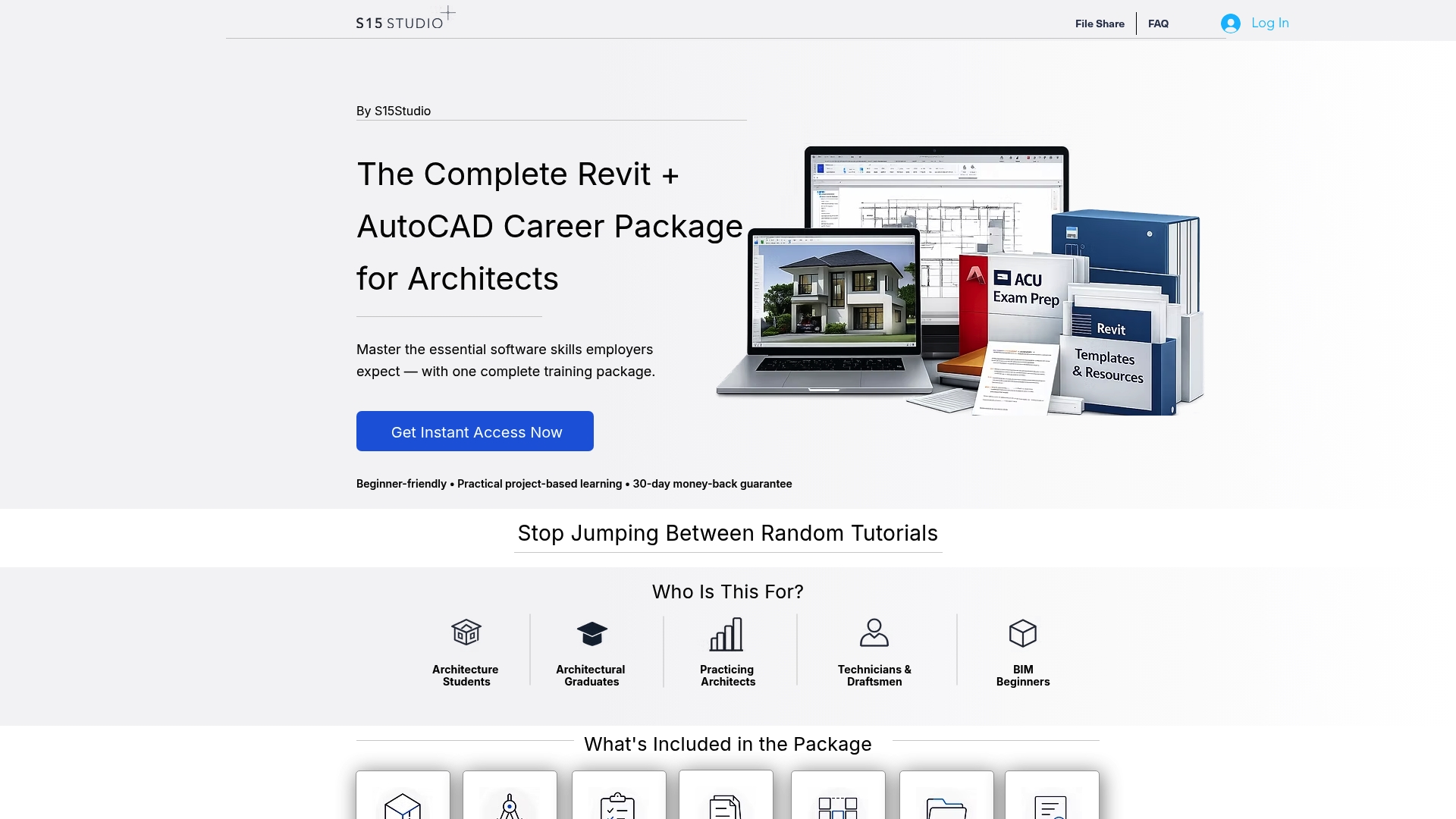
We built the courses around drawing real projects, so the commands in this article become habits rather than a list you read once.
Our view: speed comes from habits, not a bigger toolbox
Most drafters we meet are not slow because AutoCAD lacks commands. They are slow because they repeat the same five or six manual jobs on every drawing: counting blocks, fixing text, tidying viewports, swapping symbols. Express Tools are valuable because they target exactly those jobs. Our advice is to treat them as part of a routine, not a curiosity. Pick the tools that match what you do every day, learn their command names, and use them on live project work. That is how we teach AutoCAD: project by project, so a command like BCOUNT or FLATTEN arrives at the moment you need it, with a reason to remember it. Learn the core commands well, add the Express Tools that remove your repetitive steps, and the hours you save show up on every drawing after that. Steve
FAQ
Are AutoCAD Express Tools installed by default?
In AutoCAD 2022 and later, yes. For 2021 and earlier, they are an optional feature you tick during installation or add later through Programs and Features. After installing, type EXPRESSTOOLS to enable them in the session.
Where is the Express Tools tab in AutoCAD?
It is on the Ribbon, after you run EXPRESSTOOLS. If the tab does not appear, type EXPRESSMENU for the Express menu, or right-click a docked toolbar and choose the EXPRESS toolbars. Hovering over any Ribbon tool and pressing F1 opens its help.
Can I use Express Tools in AutoCAD LT?
Not on Windows. Autodesk says Express Tools are not included with AutoCAD LT. On Mac, a limited set is available, including Replace Block, Super Hatch and Explode Attributes to Text. Full AutoCAD gives you the whole library.
Why do I get “Unknown command” when I type an Express Tools command?
The tools are usually not installed, not enabled or the installation is damaged. Type EXPRESSTOOLS first, check the Support File Search Path, set DEMANDLOAD to 3 and load the acetmain.cuix, acettest.fas and acetutil.fas files. If that fails, reinstall.
Which Express Tools should a beginner learn first?
Start with BCOUNT, FLATTEN, TXT2MTXT, TEXTMASK and SAVEALL. They solve everyday problems, are easy to test on a copy of a drawing, and show quickly how much manual work a single command can replace.
Sources
Recommended
Comments