
Top 3 thebuildingcoder.typepad.com Alternatives 2026
- Steve Fagan

- Jul 5
- 9 min read
Finding Revit and AutoCAD training with ready-to-use workflows and practical automation remains a persistent challenge. Many available resources focus on lengthy theory or lack customization for design professionals who need project-ready templates or automation. This comparison shows which alternatives deliver hands-on training, automation tools, or custom plugins that match your office workflows and certification goals.
Table of Contents
S15 Studio
At a Glance
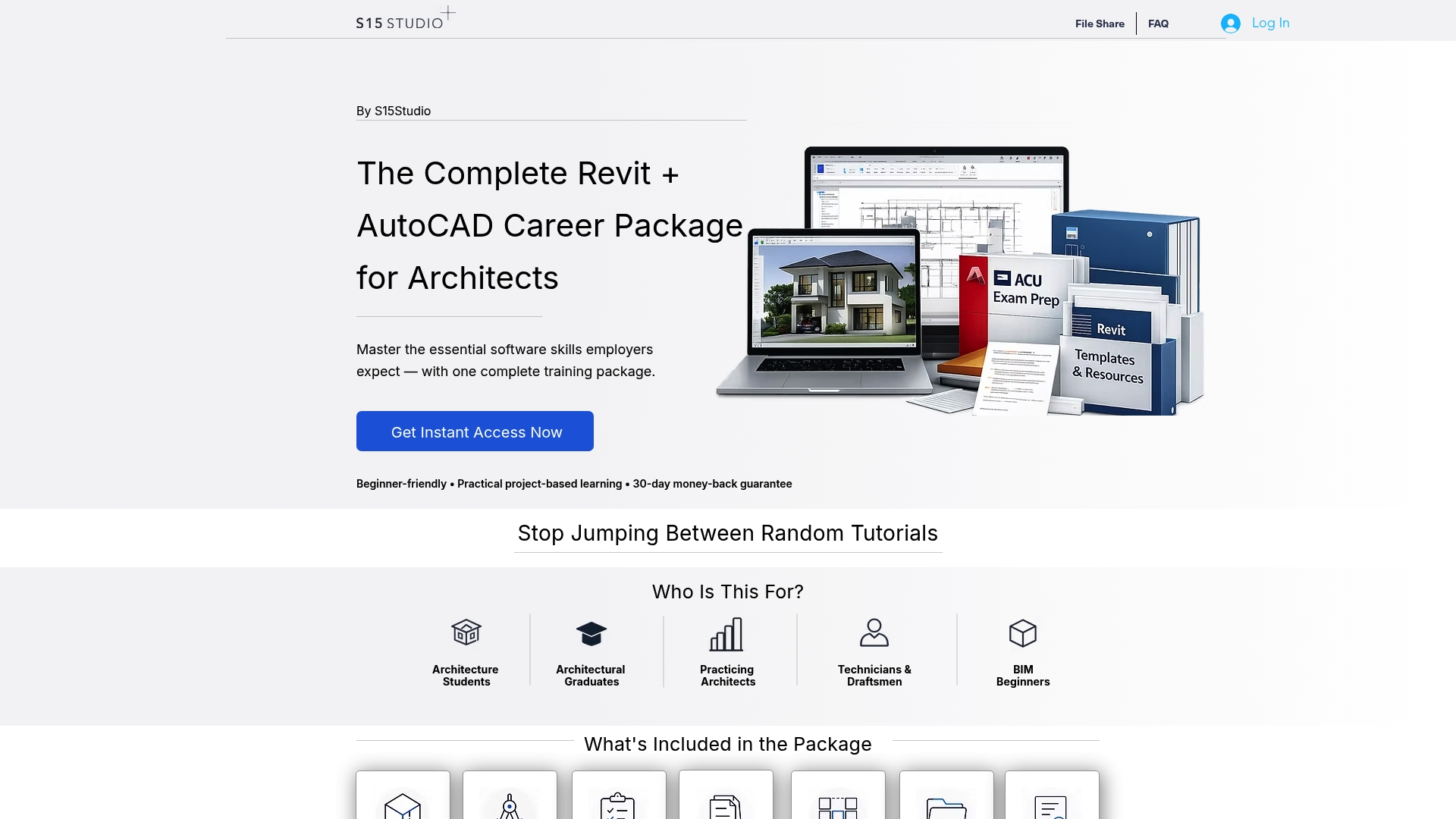
S15 Studio reports more than 100,000 students worldwide. The platform centers on Revit and AutoCAD training with step-by-step video lectures and real project files. Courses bundle exam practice, downloadable templates, and resources aimed at architects and design professionals.
Core Features
S15studio organizes content around project-based learning with hours of guided video instruction and real-world projects that mirror office workflows. The curriculum includes exam practice and certification preparation alongside professional templates and downloadable course notes. That combination lets learners apply skills to live projects rather than only watching demonstrations.
Key Differentiator
S15studio focuses on the 20% of software features used 80% of the time, trimming peripheral topics and concentrating on day-to-day tools. That approach shortens the learning curve for common Revit and AutoCAD tasks. For teams or individuals who need practical competence quickly, this prioritization reduces time spent on seldom-used features.
Pros
The courses emphasize practical skills tied to architectural workflows and project setup, which translates to immediate on-the-job value. The vendor advertises high student satisfaction with clear instruction and structured projects, and those claims show up in the abundance of downloadable practice files and templates. Certification preparation and exam practice are built into many lessons, which helps readers aiming for Autodesk credentials. The training material and project focus make it easier to move from learning to production work.
Cons
Limited public detail on how course content maps to specific Revit or AutoCAD versions and sparse technical information about platform capabilities can make it hard to confirm compatibility with a firm’s toolchain.
Who It’s For
Architecture students and recent graduates who need a practical path into BIM and drafting will find the course structure useful. Practicing architects and design professionals looking to upskill for certification or daily modeling tasks will benefit from the project-based lessons. Small offices that prioritize immediate proficiency over exhaustive feature coverage will get the most value.
Unique Value Proposition
The complete bundle price of €249 bundles all courses, resources, and bonuses into a single purchase. That fixed price positions the offering as a one-payment route to a full curriculum, templates, and exam practice instead of a recurring subscription. For individuals paying out of pocket or firms buying a single package for a hire, the pricing lowers administrative overhead and gives continuous access to course files.
Real World Use Case
A practicing architect completes the Revit module, then uses the included project template to set up a new residential model. After finishing the exam practice lessons, the architect applies the standardized families and sheets from the download to deliver construction documents. The workflow cuts project setup time and avoids rebuilding office templates from scratch.
Pricing
The platform sells a single complete bundle for €249, which includes courses, downloadable templates, practice projects, and bonus resources. There is no pricing breakdown published for individual course purchase or enterprise licensing on the site.
Website: https://s15studio.com
DiRoots
At a Glance
DiRoots reports a case where an engineering consultancy cut model data management time by 70% after deploying its Revit plugins. The company builds custom plugins and add-ins for Revit, Civil 3D, and AutoCAD. It also delivers BIM content and consultancy to automate repetitive design tasks in Autodesk, Bentley, and Bricsys environments.
Core Features
DiRoots supplies Revit plugins for data management, model checking, and drawing production, and it develops Civil 3D plugins for grading, earthwork, and pipe networks. The toolkit includes AutoCAD add-ons for filtering, review, and production tasks alongside bespoke software built to client specifications. The team also creates BIM content and offers consultancy to map tools to project workflows.
Key Differentiator
DiRoots focuses on highly customized plugins and solutions tailored for BIM and civil engineering workflows. The firm pairs off-the-shelf add-ins with custom development so a tool can match a specific office standard or handoff requirement. That approach suits teams that need automation fitted to existing templates, naming rules, or data exchange processes.
Pros
Specialization in AEC workflows makes DiRoots practical for firms that use Revit, Civil 3D, or AutoCAD. The company covers both common automation tasks and edge cases by combining packaged plugins with custom development. Recognition as an Autodesk and Bentley partner supports compatibility claims and eases deployment in those ecosystems. The vendor also offers training and support to shorten the learning curve for new tools.
Cons
Pricing transparency is limited. The company lists freemium and premium tiers, and custom work is priced per project, which can make budgeting unclear.
Tools concentrate on Autodesk and related platforms. Teams using non-Autodesk ecosystems may find fewer ready-made options.
Custom solutions can require significant onboarding. Integrating bespoke automation may take time for large models and established office standards.
When It May Not Fit
If your firm relies primarily on non-Autodesk tools, DiRoots will likely demand extra integration work. Small offices without available developer time may struggle with a bespoke rollout. If you need fixed-price, predictable licensing for off-the-shelf automation, the project-based custom pricing model may not match your procurement rules.
Who It’s For
DiRoots fits AEC firms and design professionals who use Autodesk Revit, Civil 3D, or AutoCAD and who need automation tailored to office standards. It suits engineering consultancies that must reduce repetitive tasks and keep strict data rules. It also serves BIM managers who want tools adapted to a specific model template or handoff process.
Real World Use Case
An engineering consultancy adopted DiRoots Revit plugins and reported faster model cleanup and fewer handoff errors. That figure for time savings appears in the vendor materials. The result was quicker deliverables and reduced manual review across multiple projects.
Pricing
DiRoots publishes a freemium model with paid premium options for packaged plugins. Custom software and bespoke plugin work are priced per project or scope, with quotes based on requirements and integration effort. Consult the vendor for a scoped estimate.
Website: https://diroots.com
pyRevit
At a Glance
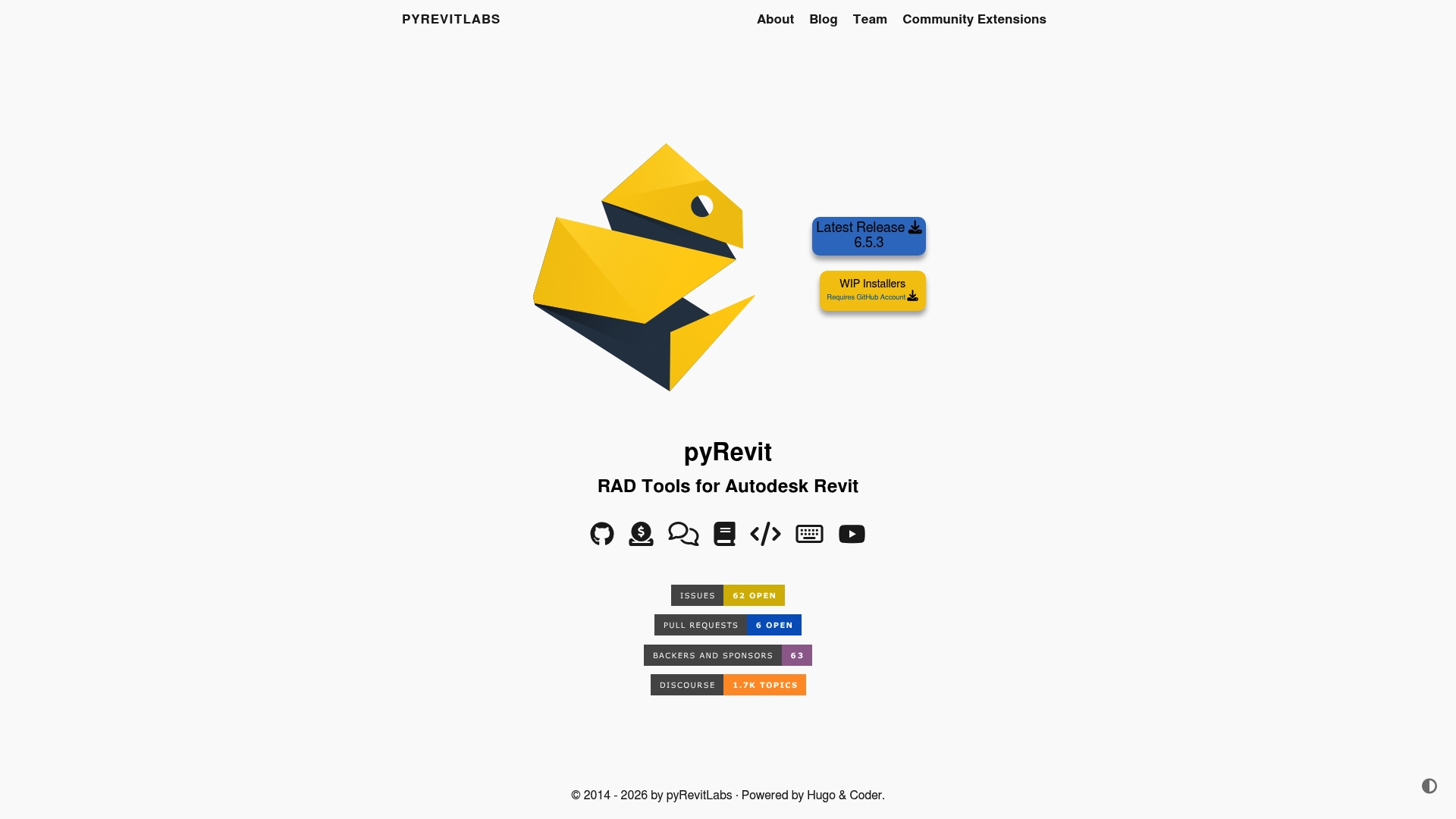
pyRevit ships with a built in telemetry server to monitor how tools get used inside Revit. The toolkit also includes a command line interface for configuring and deploying extensions. That mix of usage tracking and a deployable CLI makes it easier for teams to iterate and share community extensions.
Core Features
pyRevit bundles a large set of free tools that sit inside Revit and address common modeling, annotation, and export tasks. It embeds a development environment that accepts Python, C#, and VB.Net scripts and exposes a CLI for packaging and deployment. The community extension system lets contributors publish and consume shared scripts and plugins from a single workflow.
Key Differentiator
pyRevit combines multi language scripting support with built in deployment and usage monitoring, which other plugins often split across separate tools. That integration lets a developer write a Python script, test it inside Revit, deploy via the CLI, and then read basic usage telemetry. Teams that want to maintain an internal library of proven scripts will find that integrated loop useful.
Pros
pyRevit improves automation within Revit by letting you run custom scripts directly inside the host application. It supports Python, C#, and VB.Net so you can pick a language that matches your team skill set. The built in CLI and extension sharing reduce friction when pushing a fix or distributing a new utility across an office. The presence of a telemetry server helps developers see which scripts actually run and where to focus maintenance effort.
Cons
Requires a GitHub account for installation and updates, which adds an extra dependency for some teams.
New users or non programmers face a learning curve when authoring or adapting scripts.
Dependent on the Revit environment, so it does not function outside a licensed Revit install.
When It May Not Fit
If your team cannot standardize on Revit, pyRevit will not work because it needs the Revit host. If you prefer a plug and play tool with no scripting, this offering will feel too technical. If your shop lacks someone able to maintain scripts or handle GitHub workflows, adopting pyRevit will add overhead.
Who It’s For
pyRevit suits Revit developers and power users who want to automate repetitive modeling and documentation tasks. It fits offices that already run Revit and want to build a shared catalog of internal tools. Developers who publish tools for colleagues or contributors who track feature usage will get the most value.
Real World Use Case
An architectural studio scripted a set of model cleanup routines in Python, packaged them with the CLI, and pushed the extension to the team repository. Project leads then used the telemetry server to see which routines ran across models and prioritized bug fixes. The result was fewer manual corrections and more consistent model hygiene across projects.
Website: https://pyrevitlabs.io
Comparison of alternatives
The comparison examines how each competitor caters to professional education and automation for Revit and AutoCAD, highlighting tradeoffs that professionals might navigate.
Instructional Depth
S15 Studio emphasizes structured learning by focusing on practical functionality through project-based video modules and downloadable templates. This strategy reduces the time necessary to become proficient with Revit and AutoCAD in real-world workflows. DiRoots complements this, offering task-specific automation that integrates effectively within existing design environments, although it requires onboarding for its custom solutions. pyRevit excels in developer-facing flexibility, incorporating multi-language scriptability and a CLI for deployment, but its demand for programming fluency may limit accessibility.
Customization and Integration
DiRoots excels in customization by developing bespoke plugins tailored to exact office standards, allowing firms to automate workflows specific to their needs efficiently. This capability is particularly valuable for complex design environments but may necessitate additional investment in onboarding due to its charged service model. Conversely, pyRevit offers integrated CLI deployment for custom scripting while maintaining telemetry tools to monitor usage, which positions it well for team-oriented automation tasks. S15 Studio remains less focused on advanced integration options but compensates through its accessible fixed-price offerings for structured educational materials.
Best fit
Professionals aiming for rapid competency in Revit and AutoCAD with practical templates and resources should turn to S15 Studio.
Offices requiring tailored automation tools aligned with strict standards might find DiRoots most suitable.
Developers and design studios seeking flexible multi-language scripting and deployment tools will benefit from pyRevit.
Our pick
S15 Studio places itself as a compelling choice for professionals focused on gaining practical proficiency in Revit and AutoCAD while leveraging structured education to transition directly into production tasks. However, for those looking for advanced customization or internal scripting automation, pyRevit or DiRoots may better match their workflows.
Choosing the right platform for Revit and AutoCAD training requires comparing key features, compatibility, and pricing to meet professional or institutional needs.
Product | Key Features | Target Audience | Pricing | Notable Limitation |
S15studio | Project-based learning, certification prep, downloadable files | Architecture students and professionals requiring practical skills | €249 for full bundle | Limited detail on software version compatibility |
DiRoots | Custom Revit and AutoCAD plugins, consultancy | Engineering firms needing tailored BIM solutions | Price not published | Requires development effort for custom automation |
pyRevit | Scripting in Python, tool deployment, telemetry integration | Revit developers and offices focusing on task automation | Free | Requires programming skills and Revit environment dependency |
How to Find Practical Alternatives to thebuildingcoder.typepad.com for Revit Training
Architects, architectural technicians, and design professionals often seek realistic, project-based Revit and AutoCAD training that focuses on everyday workflows. Many look for alternatives to thebuildingcoder.typepad.com that deliver clear exam preparation and real-world files. S15studio meets these needs by offering training designed exactly for this audience. The platform prioritizes the software features you will use daily, cutting through less relevant content.
S15studio provides a single bundle for €249 that includes courses, practice exams, and downloadable templates. This fixed price offers professionals and students a straightforward path to build applicable skills for BIM and drafting without a subscription. Visit S15studio to review the curriculum and take the next step toward efficient Revit mastery.
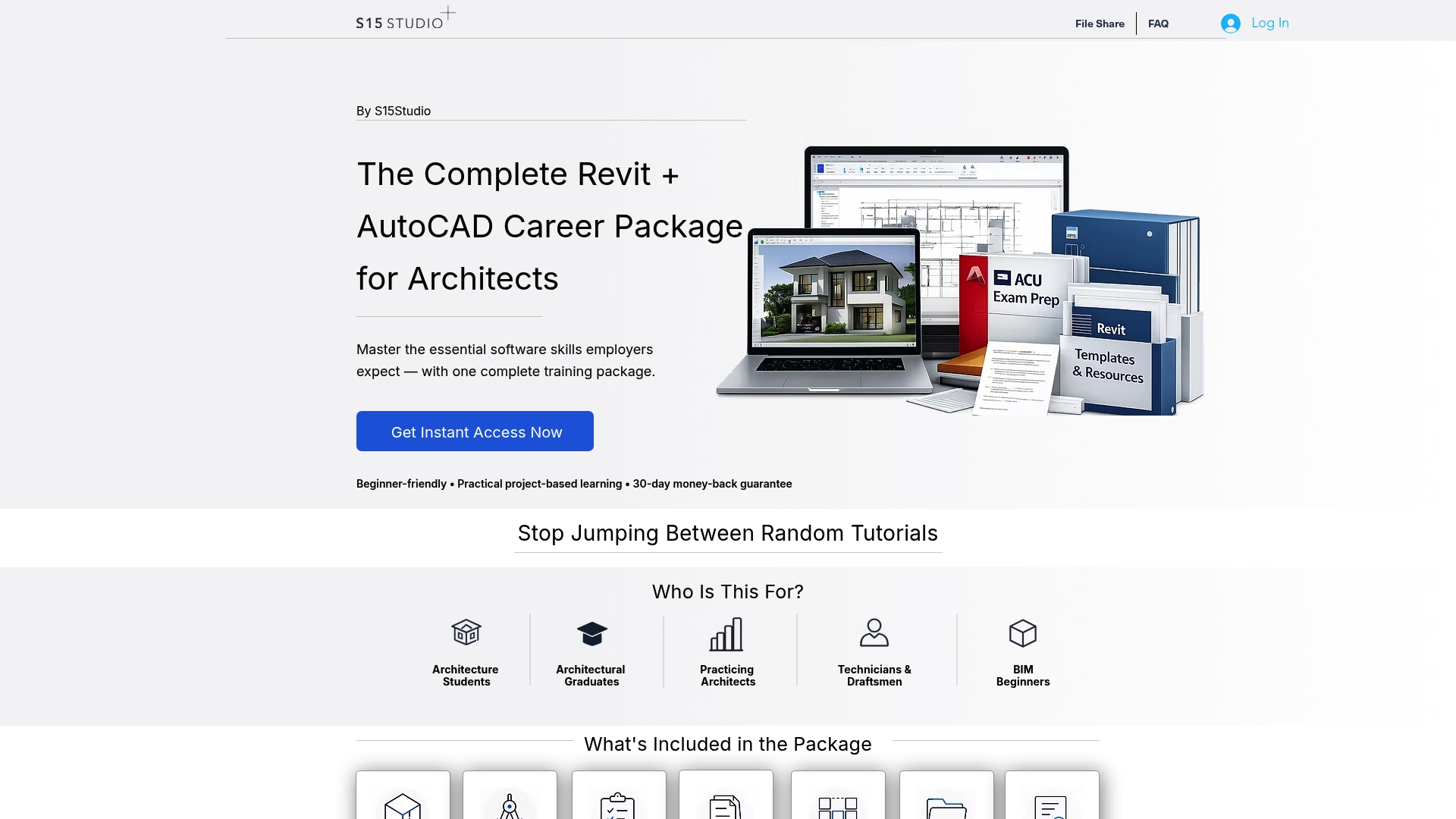
Get practical Revit and AutoCAD training from Autodesk Certified Trainer Steve Fagan. Access project files and exam practice in one bundled offer at S15studio and apply new skills directly to your work or studies.
FAQ
How does S15studio support project-based learning for Revit and AutoCAD?
S15studio offers extensive project-based training with hours of guided video instruction and real-world projects that mirror actual workflows. The curriculum emphasizes hands-on practice, allowing learners to apply skills directly to live projects rather than just watching tutorials. This method prepares users for immediate work in their field.
What is the difference between S15studio and DiRoots in terms of plugin customization?
DiRoots specializes in highly customized plugins tailored for specific BIM and civil engineering workflows. S15studio, on the other hand, focuses on essential software features, providing systematic training for those who need practical competence in Revit and AutoCAD. This makes S15studio a better choice for users looking to quickly master frequently used tools without extensive customization.
Can students expect to find downloadable resources with S15studio courses?
Yes, students receive access to downloadable templates, practice files, and additional resources included in the course bundle. This feature enhances the practical learning experience, allowing learners to apply new skills effectively in real scenarios.
Does S15studio offer certification preparation?
S15studio includes built-in certification preparation and exam practice in many of its courses. This feature helps learners gain valuable credentials that can enhance their professional prospects in the architecture and design fields.
How much does the complete S15studio course bundle cost?
The complete bundle from S15studio is priced at €249, which includes all courses, resources, and bonuses. This fixed price simplifies the investment for individuals and firms looking to provide comprehensive training without recurring fees.
Recommended
Comments